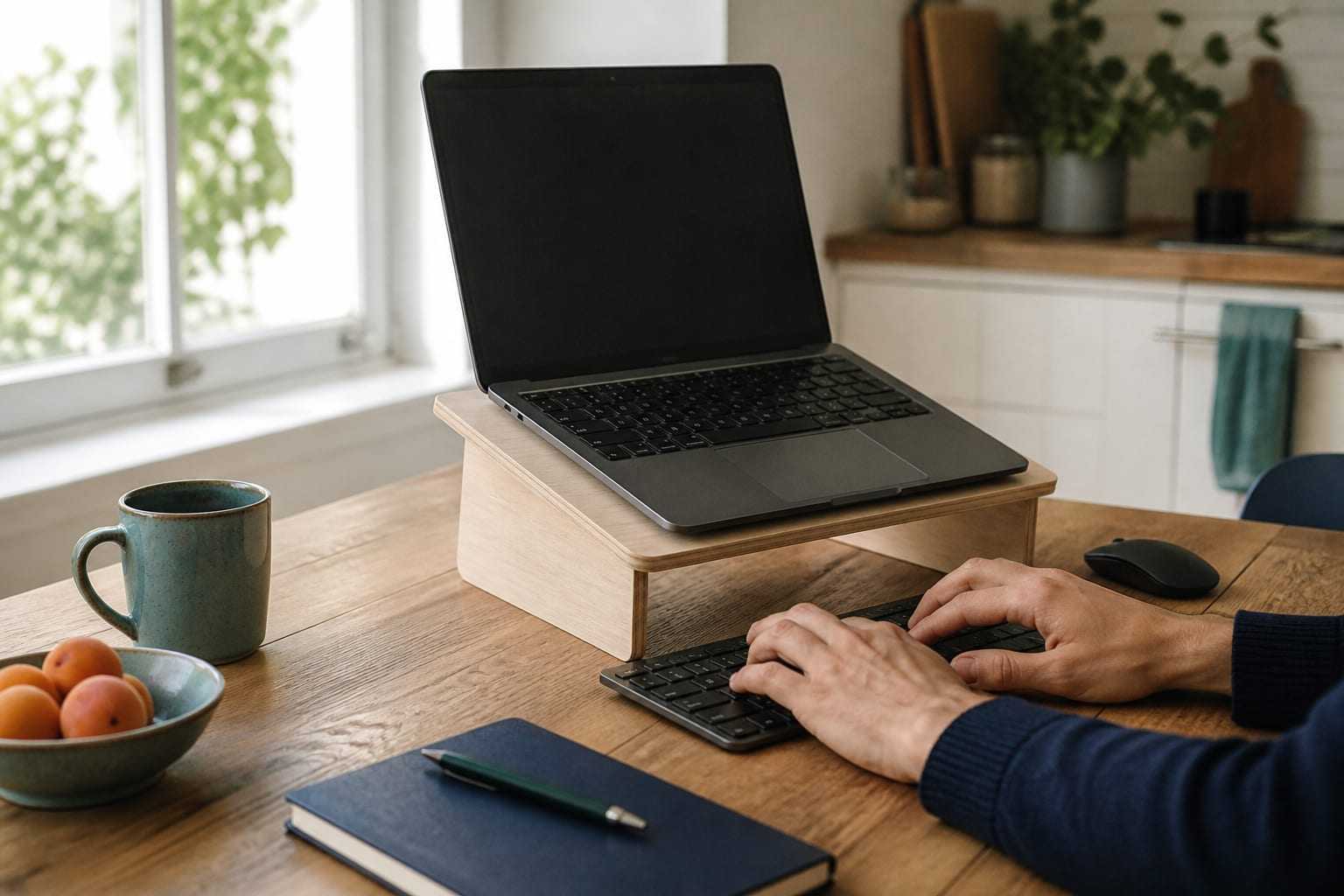
Laptop Ergonomics: Separating Screen and Keyboard
On a laptop, the screen and keyboard are fixed together. How do you resolve that compromise with a riser, external keyboard and mouse? Practical options for hybrid work.
An assessment and training piece of work for teams whose work pattern is split between office and home, so that ergonomic fit can be kept up in both environments.
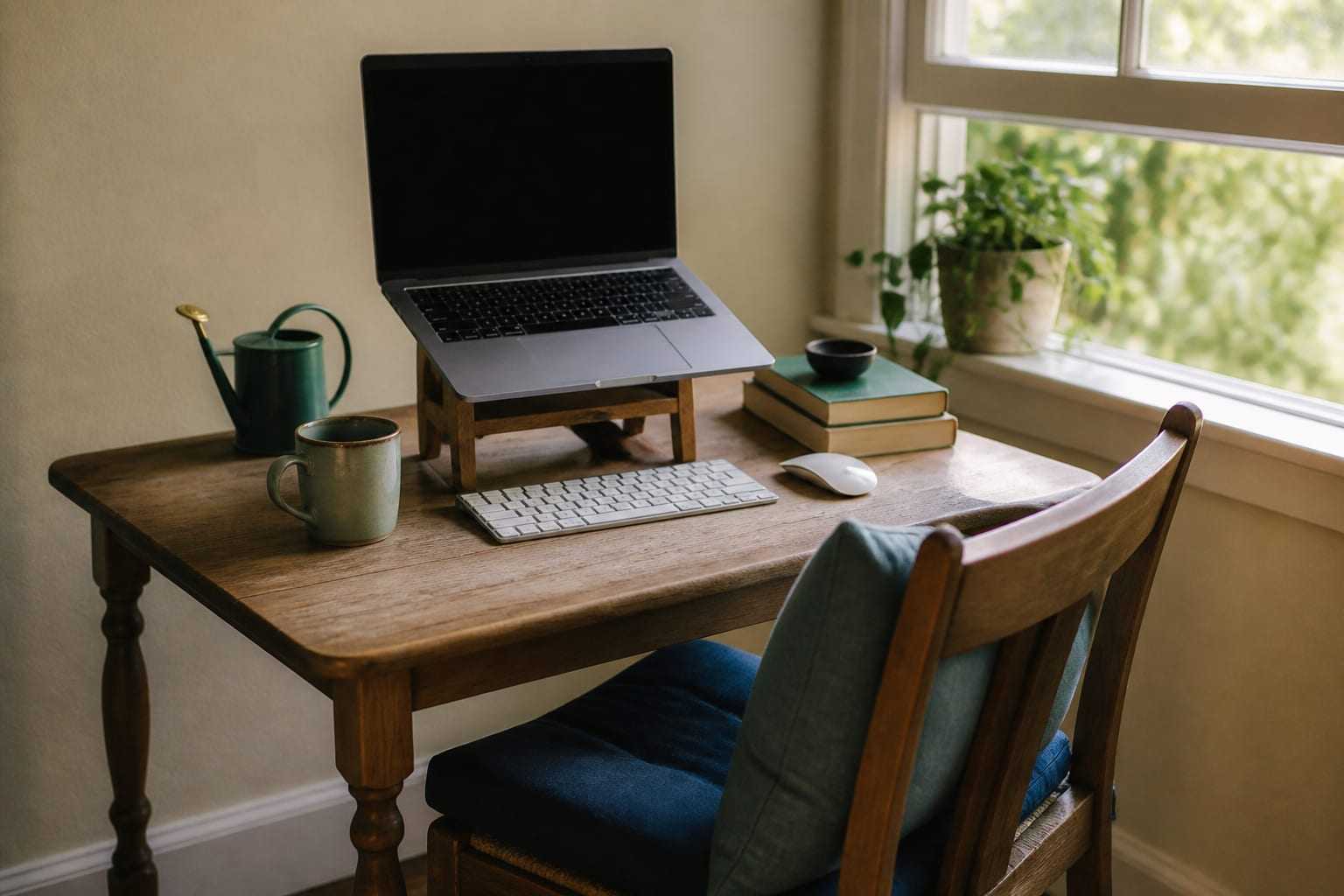
A workstation arranged in the office covers only half of the ergonomic fit if the employee spends part of the week at home. At home the workspace is often a space designed for another purpose: a dining table, a living room or a limited corner. In these spaces desk height, chair support and screen position may not be adjustable for the person.
A second decisive factor is that a laptop is used as the main device at home. Because the screen and keyboard sit in the same body on a laptop, bringing the screen to a suitable height makes the keyboard out of reach, and bringing the keyboard to a suitable position leaves the screen low. This structural constraint cannot be resolved without a change in layout or extra equipment.
A third factor is work behaviour. When working at home, opportunities to move around and natural movement during the day can decrease; the short pauses that form of their own accord in the office can disappear at home. That is why, in a hybrid pattern, break organisation is as important a theme as the physical setup.
For remote teams the assessment is run online. The employee introduces their own workspace; working position, the furniture and equipment in use, the position of the screen and the work pattern during the day are reviewed together. The assessment is done with the employee’s consent and covers only the elements that relate to the workspace; the rest of the home is not a subject of the assessment.
Findings are interpreted with the constraints of the home setup in mind. Recommendations focus first on adjustments that can be applied with what is already available: setting sitting height, providing back support, raising the screen, separating the keyboard and mouse, bringing frequently used objects into reaching distance.
Where the organisation provides equipment support, which equipment genuinely makes a difference in which employee group is stated with its rationale. That way equipment decisions rest on assessment findings rather than general assumptions. A particular brand or product is not pointed to.
The real difficulty in hybrid work is not that the two environments are different, but that the employee has to adapt to a different setup in each environment. That is why the work aims to build a shared pattern that can be repeated in both environments: which adjustments will be checked in every condition, which equipment can be carried, how the relationship between screen and keyboard will be kept.
On office days, shared stations are a separate theme. In setups without a fixed desk, the employee sitting at a different station each day means the adjustments have to be made again each time. In these setups, the employee being able to make the adjustments quickly is one of the concrete aims of the training.
When working from home the amount of movement during the day can decrease; online meetings planned back to back can lengthen that time further. Within the scope of the work, teams’ meeting-planning habits and the structure of work blocks are reviewed; short active-break recommendations that can be placed in the gaps are prepared.
The recommendations are designed so that they need no equipment in the home environment and can be applied in a short time. These recommendations do not replace an individual exercise programme; the aim is to break up inactive time and to increase variety of position. If there is an ongoing musculoskeletal complaint, seeking an appropriate health assessment is advised.
The boundary between work and rest becoming unclear in remote work is also a theme that is addressed. In setups where the workspace cannot be closed at the end of the day, total time at the desk can lengthen without being noticed. Defining particular transition points during the day makes both position change and the breaking of work blocks easier.
Findings and recommendations for remote teams are reported under a separate heading. That way the organisation can follow the office setup and the home-work setup separately and see on which themes the difference between the two environments is concentrated.
An online review of the home workspace from an ergonomic point of view, with the employee’s consent.
Addressing, through layout and equipment, the constraint that comes from the screen and keyboard sitting in the same body.
Preparing practical adjustment recommendations that can be applied with the furniture and support already at home.
Where the organisation provides equipment support, justifying the need by employee group.
Working on making adjustments quickly and repeatably in setups without a fixed desk.
Assessing the intensity of online meetings and the structure of work blocks in terms of inactive time.
Online training sessions in which participants practise in their own workspaces.
The stages follow one another; scope and duration depend on the organisation.
The work begins with understanding the organisation’s own conditions. How many people do which work, how long employees stay at a desk during the day, which departments are exposed to similar physical loading, and which complaints are frequently raised in the organisation are discussed together with the organisation’s representatives. Office layout, the variety of furniture and equipment in use, the remote-work ratio and the existing break arrangement are recorded at this stage. In this way, which areas the assessment will focus on, and at what depth, are determined according to the organisation’s real need.
Workstations and work habits are assessed from an ergonomic perspective on site, or online for organisations with remote employees. Physical layout elements such as desk height, chair settings, screen position, keyboard and mouse placement, laptop use and reach distance to frequently used objects are considered together with sitting behaviour, how often position is changed, static loading and repetitive movement patterns. The assessment is not made to diagnose the person, but to describe the fit between the employee and the work environment. The observations obtained are grouped and interpreted by department and task type.
Workable adjustment recommendations are prepared for the mismatches seen in the assessment. Recommendations are gathered under rearranging the workstation, using existing furniture and equipment correctly, considering additional support elements where needed, adjusting work behaviour and changing position, and reviewing work–break organisation. Each recommendation is prioritised with the organisation’s current resources and work pattern in mind; matters that can first be addressed through settings and arrangement are separated out. In this way, the organisation sees clearly where it should begin.
Training for employees is adapted to the organisation and the employee profile. Instead of a general presentation, content is prepared that proceeds from the findings that stood out in the assessment and covers recognising one’s own station, adjusting settings to one’s own measurements, changing position during the day and building an active-break habit. The training conveys basic information on musculoskeletal health in plain language and shows what the employee can change in their own work pattern and how. A separate briefing can be planned for managers on what can be followed at team level.
After the adjustments have been applied, a re-assessment is made and the changed situation is recorded. Which recommendations have been put into practice, in which areas the fit has improved and which topics remain a priority are considered comparatively. The process is documented in a Corporate Ergonomics Assessment Report that contains the organisation’s own findings; the report includes both the current situation and a follow-up plan for the next steps. In this way, the ergonomics work ceases to be a one-off event and becomes an ongoing topic the organisation can follow.
The assessment is done through an online conversation in which the employee introduces their own workspace. Scope is limited to the elements that relate to the workspace, and participation is voluntary. The rest of the home is not a subject of the assessment.
Recommendations focus first on adjustments that can be applied with what the employee already has. If a mismatch can be resolved only with equipment, that need is stated with a rationale for which employee group it applies to; the decision belongs to the organisation and a particular brand is not pointed to.
At shared stations the adjustments have to be made again at each sitting. In these setups the work focuses on being able to make the adjustments quickly and repeatably; at the training stage employees practise these steps at the station they use.
The duration varies with the number of participants, variety of workspaces, the time zones teams are in and the scope of the training stage. The timetable is planned together with the organisation after the needs analysis is complete.
Findings that relate to remote and hybrid teams appear as a separate heading inside the Corporate Ergonomics Assessment Report. That way office findings and home-work findings can be followed separately.
On a laptop, the screen and keyboard are fixed together. How do you resolve that compromise with a riser, external keyboard and mouse? Practical options for hybrid work.
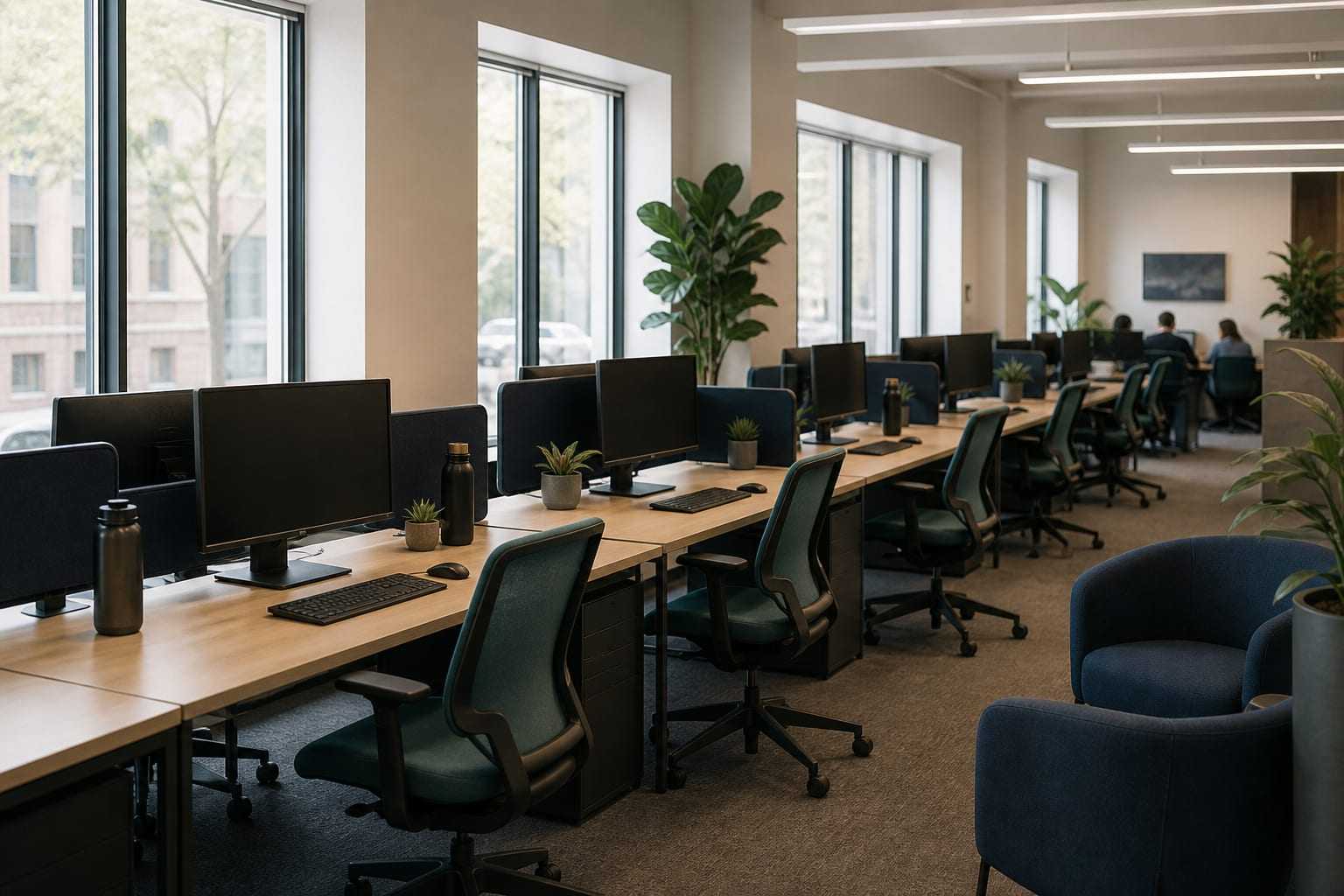
Office ergonomics is not a search for one correct posture. We explain, step by step, how to fit the worker, the work and the workstation together.
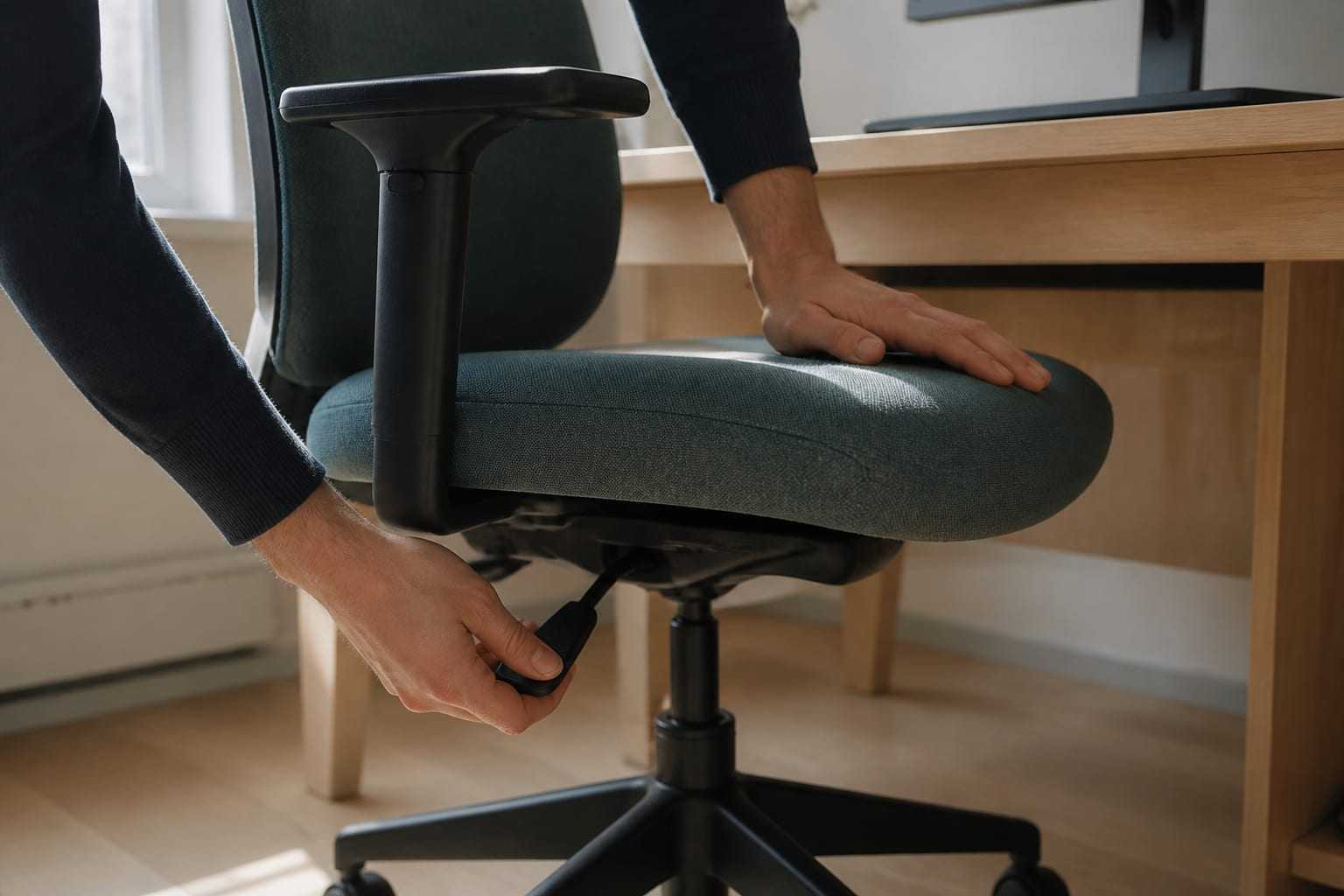
In what order should you adjust an office chair and desk? We walk through height, seat depth, lumbar support and armrest settings step by step.
Once headcount, work model and priority topics are clear, a process proposal can be prepared.