Neck Pain at a Desk: Screen, Laptop and Break Pattern
What usually determines a neck complaint in desk work is not a single “wrong posture”, but the time spent without interruption in the same position.
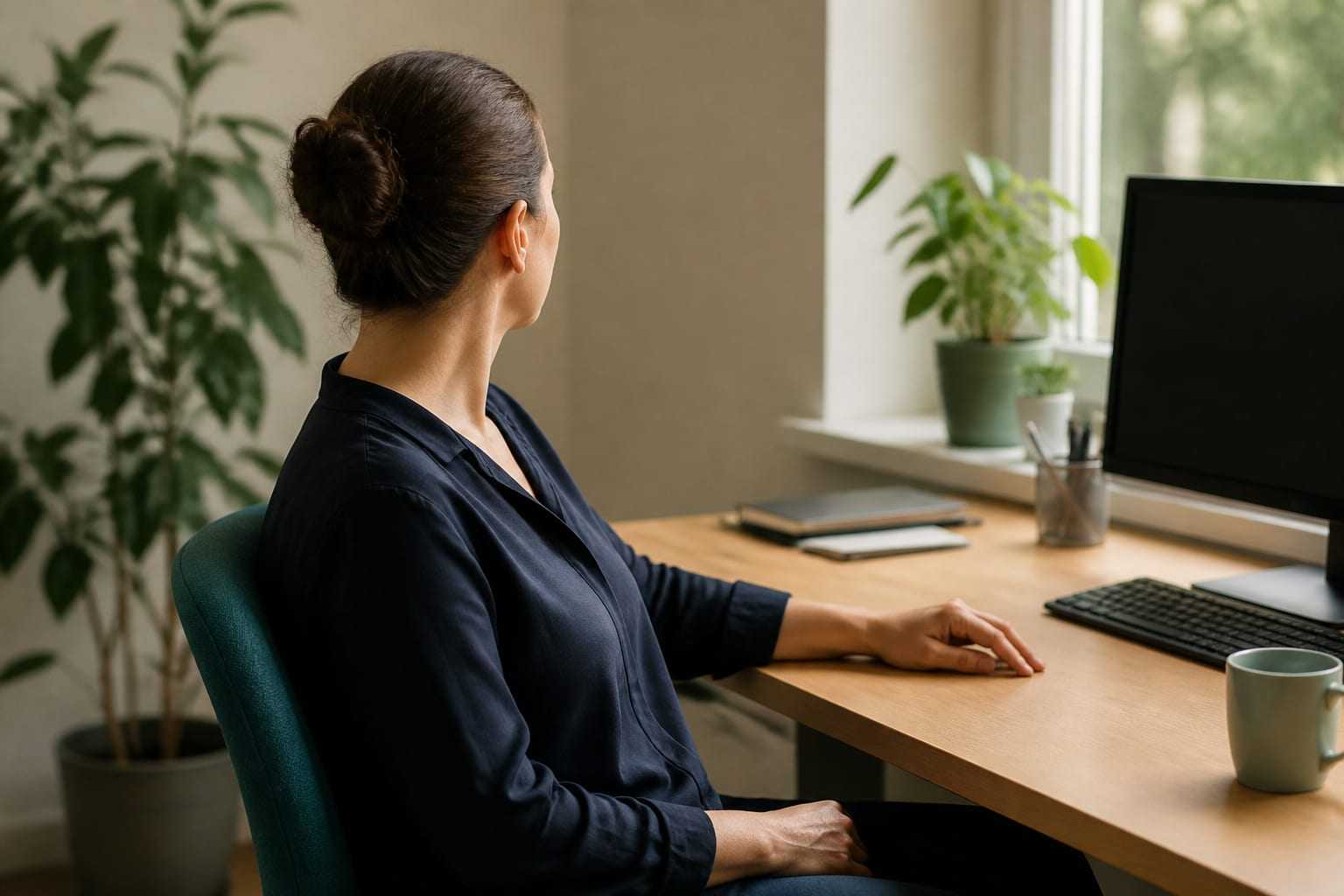
Tension in the neck and shoulder region is among the leading complaints that desk workers describe. This article addresses factors specific to desk work: time spent in a fixed position, the position of the screen, laptop and phone use, break behaviour, and practical ways to place movement in the day. You will find the general framework of neck pain, the contributing factors and the scope of a physiotherapy assessment in the neck pain guide.
Why is the neck strained in desk work?
Desk work does not force the body into a job that requires high force; instead it creates a load that is low-level but prolonged. Organisational sources that approach work-related musculoskeletal disorders describe this picture with the following factors:
- awkward and static positions
- repetitive movements
- little opportunity to change position or take a pause
- a high work pace and intensive screen time
The neck region is especially sensitive to this kind of load, because the muscles that carry the weight of the head work continuously at a low level through the day and do not find a full opportunity to relax.
A “wrong posture”, or a long time in the same position?
Desk complaints are often attributed to a single posture error. The emphasis of ergonomics sources points to a more useful place: however suitable your working position, remaining in the same position or remaining still for a long time creates an expected load. OSHA’s workstation guide therefore does not define a single “correct” position; it defines several reference positions — upright sitting, standing work, declined sitting and reclined sitting — and recommends moving between them during the day.
This does not mean that ergonomic settings are unnecessary. A suitable setup makes it easier to change position and does not force the body to stay at extreme angles. In other words, the settings prepare the ground; movement makes the difference.
Screen height and distance
The position of the screen is the single setting that directly determines the position of the head and neck. The commonly recommended framework is as follows:
- Let the screen sit directly in front of you; the head, neck and trunk should face forward while looking at the screen. Shifting the screen markedly to the right or left loads the neck muscles unevenly.
- Let the top line of the screen be at or a little below eye level. The centre of the screen is usually placed about 15–20 degrees below the horizontal eye line.
- Viewing distance is in the range of about 50–100 cm. If you need to reach forward to read the text, increasing the text size may be a better solution than bringing the screen closer, in terms of keeping the back support.
- Tilting the screen too far back can create glare; tilt is usually kept limited.
Raising the screen too high is also not suitable: having to tilt the head back is as tiring as looking down. For the details of screen positioning, see the computer screen positioning guide.
Laptop use
On a laptop the screen and keyboard are in the same body, so it is not possible to bring both to a suitable height together. When you take the screen to a comfortable height, the keyboard rises too high; when you take the keyboard to a comfortable height, the screen sits too low. The result is a compromise position sustained through the day.
The practical solution is simple: in prolonged work, raise the screen and use a separate keyboard and mouse. A special stand or a firm stack of books both work for the raise. In short-term use this arrangement may not be needed; what is decisive is again duration. Details are addressed in the laptop ergonomics guide, and the desk–chair relationship in the desk and chair setup guide.
Phone use and head position
Using the phone for a long time held in the lap keeps the neck in a markedly forward-tilted position. This position itself is not “damaging”; the problem is the time spent without interruption in the same position. Practical approaches:
- Holding the phone close to eye level, raising it by supporting the arm on something
- Reading long texts on a computer rather than on the phone
- Using a headset for long calls; avoiding holding the phone between the shoulder and the ear
- Accounting for screen time in the work day as a total: phone time added on top of eight hours at the desk usually stays invisible
Break behaviour: the most neglected setting
Equipment settings are visible, so they are focused on first; yet in desk work the most decisive variable is often break behaviour. The features of a pattern that works:
- Short and frequent pauses are easier to sustain than long, infrequent intervals.
- A pause gains meaning when it includes a change of position: standing up, walking a few steps, moving the arms and trunk.
- Pauses become more reliable when they are tied to a task: getting water, speaking on the phone standing, going to the printer, listening to a meeting standing.
- In busy periods, breaks are the first thing sacrificed. Writing breaks into the calendar in exactly these periods is useful.
What an active break is, how it is planned and how it is applied at organisational level is set out in the active break guide.
Micro-movement during the day
“Micro-movement” describes small changes of position distributed through the day. The aim is not to apply an exercise programme, but to shorten the time tissues stay in the same position:
- Changing the chair’s back support and height by a small amount several times during the day
- Doing some work standing: reading, phone calls, short meetings
- Resting the eyes by focusing periodically on a distant point
- Interspersing non-computer work through the day, so as to offer both the eyes and the neck a different loading rhythm
These adjustments look small when thought of one by one; their effects appear through total time. We address why total sitting time is a separate heading for general health in the prolonged sitting guide.
Hybrid work and the setup at home
Many people who work at a station arranged in the office work at home on surfaces that cannot be adjusted, such as a kitchen table or a sofa. If prioritising is needed in the home setup, the order is usually as follows:
- Bringing the screen to a suitable height (together with an external keyboard)
- Improving the sitting surface and back support; adding a footrest if needed
- Providing support for the arms
- Arranging lighting and glare
- Setting up a pattern of breaks and change of position
On the organisational side, systematic examination of these headings falls under office ergonomics and workstation analysis.
When should you see a health professional?
Neck complaints related to desk work are mostly favourable in course and ease when the work pattern is arranged. The following situations, even though they are uncommon, require assessment. The aim of the list is not to create anxiety, but to make clear the boundary at which making an appointment, rather than waiting, is appropriate.
Situations that need assessment without delay:
- Progressive loss of strength in the arm, loss of skill in the hand, or numbness and tingling that is spreading
- Neck pain that started after a marked trauma (fall, accident, blow)
- Fever, unexplained weight loss, or continuous pain that does not ease with rest through the night
- A change in walking or balance, marked difficulty in hand–arm coordination
- Accompanying signs such as a severe and unusual headache, a change in vision, or difficulty speaking or swallowing — this group requires urgent assessment
Other situations in which making an appointment is reasonable:
- A complaint that does not ease as expected within a few weeks despite arranging your work pattern
- Pain that affects sleep or the work day in a marked way
- Frequently recurring episodes
- Not being sure which setting is suitable for you
For individual assessment you can learn about the process from the neck and spine health page. If there are signs that suggest an urgent picture, go first to the nearest health facility.
This article is for general information and is not a personal assessment, diagnosis or treatment. The reason for your symptoms and what is appropriate for you can only be decided after an in-person assessment.
Sources
- OSHA — Computer Workstations eTool: Good Working PositionsU.S. Occupational Safety and Health Administration: neutral working positions and recommendations to change position during the day.
- OSHA — Computer Workstations eTool: MonitorsErgonomics recommendations on viewing distance, screen height, viewing angle and screen tilt.
- NIOSH — Ergonomics and Work-Related Musculoskeletal DisordersU.S. National Institute for Occupational Safety and Health: definition of ergonomics and work conditions in work-related musculoskeletal disorders.
- EU-OSHA — Musculoskeletal disordersThe place of static positions, limited opportunity to change position, and organisational factors in the risk.
- Exercises for mechanical neck disorders — Cochrane systematic reviewCochrane Database of Systematic Reviews, CD004250.
Frequently asked questions
How high should I raise my screen?
A common ergonomics recommendation is that the top line of the screen be at or a little below eye level and that the screen sit directly in front of you. The centre of the screen is usually placed about 15–20 degrees below the horizontal eye line. If you wear numbered glasses, especially multifocal lenses, lowering the screen a little further can reduce the need to tilt the head back.
How often should I take a pause?
There is no single number that applies to everyone. The shared emphasis of ergonomics sources is that intervals should be short and frequent and should include a change of position. In practice, for most people, changing position every 30–60 minutes and standing up for a few minutes on the hour is a sustainable starting point. What is decisive is not the length of the pause so much as being able to apply it regularly.
Is working on a laptop a problem for the neck?
The laptop itself is not the problem; because the screen and keyboard are in the same body, it is not possible to bring both to a suitable height together. In prolonged work, raising the screen and using a separate keyboard and mouse removes this constraint. In short-term use, a change of position may be enough.
Will an ergonomic chair resolve my neck pain?
A suitable chair is an important part of the work pattern, but it is not decisive on its own. Screen position, arm support, working height, break behaviour and general activity level play a role together. Not thinking of an equipment change separately from a behaviour change gives a more realistic result.
Should I do neck exercises while working?
Short movement pauses during the day are relieving for most people. That said, in long-standing neck complaints the evidence supports strength and endurance work covering the neck–shoulder–shoulder-blade region more than stretching alone. The content and dose of such a programme are determined according to the person.
Other articles on this topic

Neck Pain: Causes, Physiotherapy Assessment and Self-Management
Factors that contribute to neck pain, what a physiotherapy assessment covers, and practical self-management principles for daily life.

Computer Screen Positioning: Height, Distance and Angle
Computer screen height, distance and tilt directly affect neck load. How do you set the screen for glare, dual monitors and text size?
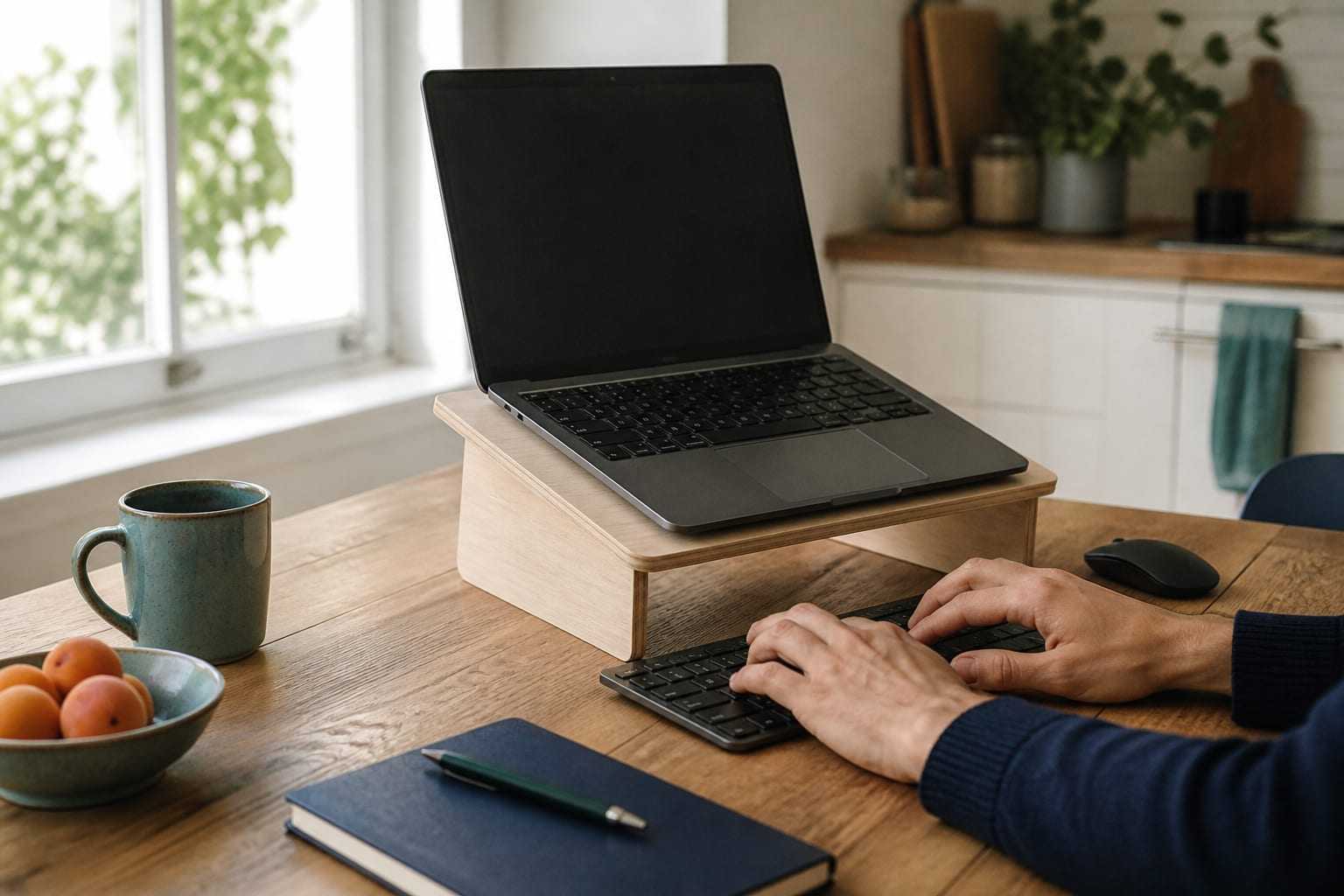
Laptop Ergonomics: Separating Screen and Keyboard
On a laptop, the screen and keyboard are fixed together. How do you resolve that compromise with a riser, external keyboard and mouse? Practical options for hybrid work.