Shoulder Pain in Office Workers: Loading, Reach and Variety of Movement
What strains the shoulder region in desk work is usually not a single movement, but low-level, one-directional loading sustained through the day.
Shoulder complaints are common in desk workers and usually do not start with a memorable event. Nothing heavy was lifted, no sudden movement was made; the complaint becomes noticeable slowly over weeks. This pattern of onset can be confusing, but it actually gives information about the quality of the load.
In this guide we address how the shoulder region is loaded in desk work, which details at the workstation change this load, and where self-management is sufficient and where it falls short. This content is for information; it does not diagnose and does not enable you to diagnose.
How is the shoulder region loaded at a desk?
The shoulder is not a single joint; it is a region that depends on coordination among the arm bone, the shoulder blade, the collarbone and the trunk. In every movement of the arm the shoulder blade changes position on the trunk. This coordination is squeezed into a limited range of movement in work where the arm is held in the same position for a long time.
The dominant form of loading in desk work is this: low in intensity but uninterrupted. While the arm is held over the keyboard and mouse, the shoulder-girdle muscles work continuously to carry the weight of the arm. This is a task that is not demanding in a single burst but is sustained for hours. OSHA notes that static postures and highly repetitive tasks can create local fatigue when no break is taken.
HSE’s guide on upper-limb complaints lists the job features in which this kind of complaint is seen more often as follows: prolonged repetitive work (especially with the same hand or arm movement), uncomfortable or awkward working postures, sustained or excessive force, and carrying out a task for a long time without suitable rest intervals. The same guide also lists holding joints in fixed positions and reaching for objects among awkward postures.
EU-OSHA’s emphasis is important here: in work-related musculoskeletal disorders there is usually no single cause. Physical factors play a role together with organisational and psychosocial factors (high workload, low autonomy, little opportunity for a break, a fast pace) and individual factors. That is why the explanation “I sat wrongly” usually does not fully meet the picture.
Decisive details at the workstation
Mouse and keyboard distance
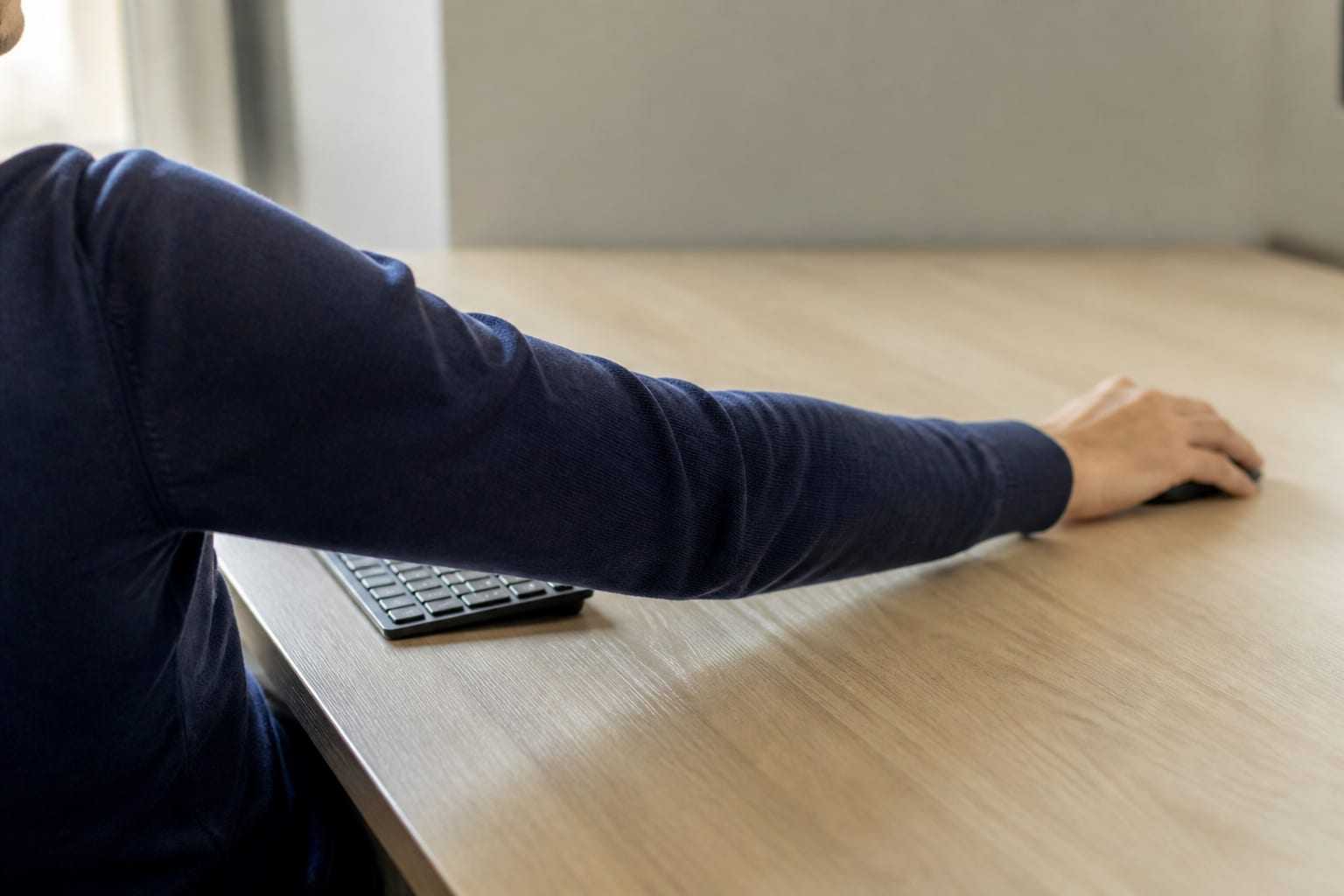
The most commonly overlooked source of shoulder loading is how far the mouse is from the trunk. When the mouse sits beyond the number pad to the right of the keyboard, the arm moves away from the side; the shoulder then carries the weight of the arm on a more demanding lever.
OSHA notes that a keyboard or mouse that is too far away leads to postures such as reaching with the arm, leaning forward with the trunk and excessive elbow angles, and that these can contribute to musculoskeletal problems in the shoulder, elbow, hand and wrist region.
Practicable adjustments:
- Bring the mouse immediately beside the keyboard, as close as possible.
- If you do not use the number pad often, a shorter keyboard brings the mouse closer to the trunk.
- Keep everything you use often (mouse, phone, notebook) inside the easy-reach area.
- Using keyboard shortcuts instead of the mouse, as OSHA also notes, reduces the number of repetitions in mouse-heavy work.
Armrests and desk height
An armrest can be both a support and a source of load for the shoulder region. The patterns OSHA describes are these:
- An armrest that is too high leads the shoulders to stay continuously raised; muscle tension and fatigue form in the neck and shoulder.
- An armrest that is too low leads the person to lean to one side to rest one arm; asymmetrical loading forms.
- An armrest that is too wide causes reaching with the elbow and leaning forward; because the arm moves away from the trunk, the shoulder muscles tire.
- An armrest that prevents the chair from coming close to the desk makes reaching to the keyboard necessary.
Desk height affects the same chain. When the desk is too high, the person writes with the arms raised and the shoulders stay raised through the day. For the order of adjustment, see the desk and chair setup guide.
Screen position and the neck–shoulder relationship
The neck and shoulder girdle are linked through shared muscles. If the screen is too low or too far away, the head comes forward and the muscles in the shoulder girdle also work to sustain this posture. For screen settings see computer screen positioning; for details on the neck side see the neck pain at a desk guide.
In people who work on a laptop this picture can be more marked, because the screen and keyboard being fixed increases both reaching and leaning forward. The laptop ergonomics guide addresses this situation.
Work above shoulder height and phone use
HSE lists working with the hands held above shoulder height among awkward postures. In an office this usually appears as reaching to high shelves or setting the screen too high. Holding the phone between the shoulder and the ear also creates a local load; using a headset is a simple adjustment.
Scapular control and variety of movement
Control of the shoulder blade on the trunk is one of the basic components of shoulder function. Because the arms stay in a reaching-forward position for a long time in desk work, the shoulder blade also stays in a similar position through the day and part of the range of movement is in effect unused.
The issue here is not a “wrong posture”, but a reduction in variety. When any region of the body is used in the same narrow range through the day, movements outside that range can become less well tolerated over time.
The practical counterpart is to move the shoulder girdle in different directions during the day:
- Gently drawing the shoulder blades together and releasing them
- Rolling the shoulders forward and back
- Opening the arms out to the side and up
- Rotating the trunk to both sides
These should be done in an unforced range that does not create discomfort. The most practical way to place them in the day is short intervals; the active break guide describes how to set this up. A Cochrane review that examined workplace interventions aimed at increasing standing and walking in sedentary workers found that the certainty of the evidence in this field is limited; so a more reasonable aim is to build a sustainable variety of movement rather than to advocate a single programme form.
The load tolerance of the shoulder region is also related to general physical activity and strength level. For individual planning, see our exercise and physical activity page.
Principles of self-management
In mild and newly started complaints the following principles form a reasonable starting point:
- Reduce the reach distance. Bring the mouse, keyboard and objects you use often closer to the trunk.
- Review the arm support. Does the armrest or the desk surface support your forearm, or does it strain your shoulder?
- Break up the duration. Shorten uninterrupted keyboard and mouse blocks.
- Add variety of movement. Move the shoulder girdle in different directions during the day.
- Do not stay completely still. Reducing for a time the movements that increase the pain markedly can be reasonable, but not using the arm at all is generally not the preferred approach.
- Make the changes one at a time. If you change five things on the same day, you will not understand which one is working.
- Notice early. HSE recommends reporting signs and symptoms early and notes that when a problem is noticed early and addressed appropriately, upper-limb complaints can often resolve fully.
If similar complaints appear in more than one person on the same team, this is a structural pattern rather than an individual one and requires assessment of the work pattern. At organisational level we run this process under workstation analysis and office ergonomics.
When should you see a health professional?
Complaints in the shoulder region can have more than one source, and distinguishing them requires an in-person assessment. In the following situations it is appropriate to ask for assessment rather than relying on adjustments alone. These are not findings to be anxious about, but signs that say “do not leave this to guesswork”:
- Your complaint has lasted for several weeks, is gradually increasing, or is restricting your function.
- Raising your arm, taking it behind you, or dressing has become markedly more difficult.
- Night pain interrupts your sleep, or you cannot lie on your shoulder.
- There is numbness, tingling or loss of strength in the arm, forearm or fingers.
- You notice a marked reduction in your ability to lift the arm.
- The complaint started after a fall, a blow, a pull or a sudden strain of the shoulder.
- There is marked swelling, warmth or redness in the shoulder region.
- General signs such as fever, unexplained weight loss or night sweats accompany it.
- You feel a discomfort that spreads to the chest, jaw or left arm and increases with effort; in this case urgent assessment is needed without delay.
In a physiotherapy assessment, movement of the shoulder and shoulder blade, strength, load tolerance and your work habits are examined together; this makes it possible to determine which adjustments and which movements are suitable for you. For individual support, see our shoulder and upper limb page.
This article is for general information and is not a personal assessment, diagnosis or treatment. The reason for your symptoms and what is appropriate for you can only be decided after an in-person assessment.
Sources
- HSE — Managing upper limb disorders in the workplace, INDG171The role of repetitive work, awkward postures, sustained force and inadequate rest intervals in upper-limb complaints; the importance of reporting symptoms early.
- OSHA — Computer Workstations eTool, ChairsThe effect of armrest height and width on shoulder and neck loading.
- OSHA — Computer Workstations eTool, KeyboardsThe effect of keyboard and mouse distance on shoulder and arm posture.
- OSHA — Computer Workstations eTool, Work Process and RecognitionThe role of local fatigue and short rest intervals in static postures and repetitive tasks.
- EU-OSHA — Musculoskeletal disordersPhysical, organisational, psychosocial and individual factors playing a role together in musculoskeletal disorders.
- Cochrane Database of Systematic Reviews — Workplace interventions for increasing standing or walking for decreasing musculoskeletal symptoms in sedentary workersParry SP, Coenen P, Shrestha N, O'Sullivan PB, Maher CG, Straker LM. Cochrane Database Syst Rev. 2019;11:CD012487.
Frequently asked questions
Does using a computer cause shoulder pain?
Using a computer is not a single cause in itself. Complaints in the shoulder region are usually associated with a combination of one-directional loading sustained for a long time, reach distance, little variety of movement and inadequate rest intervals. EU-OSHA also notes that in musculoskeletal complaints there is usually no single cause.
Why does my shoulder tire when I use the mouse?
When the mouse is placed far from the trunk, the arm moves away from the side and the muscles in the shoulder region work continuously to carry the weight of the arm. OSHA notes that a keyboard or mouse that is too far away leads to awkward postures such as reaching with the arm and leaning forward with the trunk. Bringing the mouse immediately beside the keyboard is an adjustment that is often overlooked but effective.
Do armrests help or harm shoulder pain?
Either can happen. An armrest at the right height carries the weight of the forearm and reduces continuous work by the shoulder. When it is too high the shoulders stay continuously raised; when it is too wide, reaching with the elbow begins. If it cannot be adjusted or prevents the chair from coming close to the desk, not using it is more appropriate.
Should I stop moving when I have shoulder pain?
Complete inactivity is generally not the preferred approach; but reducing for a time the movements that increase the pain markedly can be reasonable. Which movements to continue and which to adapt temporarily is determined through individual assessment. If the complaint continues, this should not be left to guesswork.
Do shoulder-blade exercises resolve a shoulder complaint?
Control of the shoulder blade is part of shoulder function and features in most approaches, but it is not on its own the counterpart of every shoulder complaint. Complaints in the shoulder region can have different sources, and a suitable approach depends on distinguishing this. That is why exercise selection is made after assessment.
Other articles on this topic

Office Ergonomics: Worker, Work and Workstation
Office ergonomics is not a search for one correct posture. We explain, step by step, how to fit the worker, the work and the workstation together.
Desk and Chair Setup: A Sequenced, Practicable Path
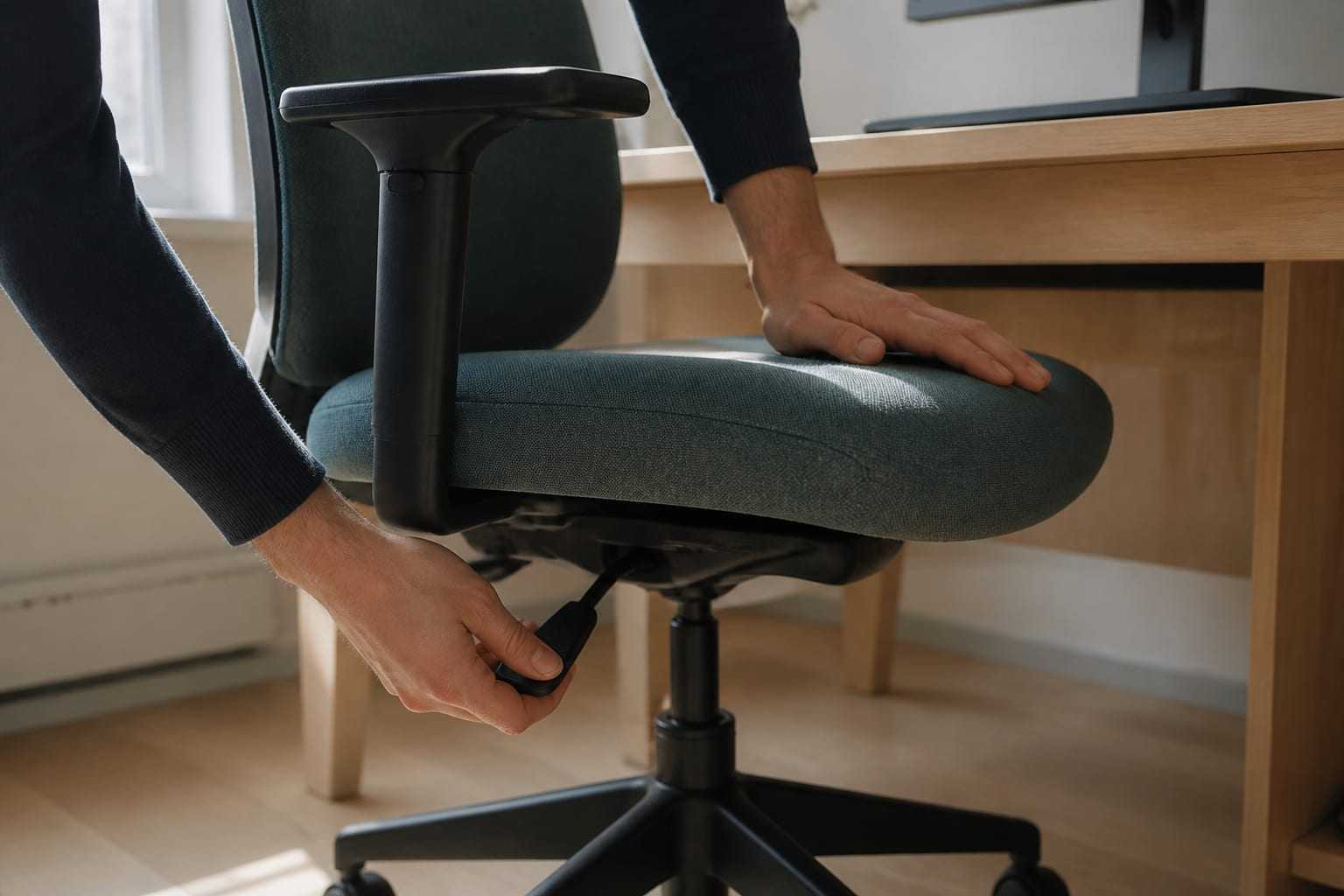
In what order should you adjust an office chair and desk? We walk through height, seat depth, lumbar support and armrest settings step by step.

Computer Screen Positioning: Height, Distance and Angle
Computer screen height, distance and tilt directly affect neck load. How do you set the screen for glare, dual monitors and text size?